Some forms have document notes associated with them to provide users with useful information about the form. In some cases, the notes will describe changes that were implemented in the latest version of the form. In other cases, the notes will give the user information about the coding used in the preparation of the form so that the user ensure that the form will auto-fill correctly from the information entered on the corresponding matter page.
Note that not all documents have Document Notes. If document notes are available, the user will see a button displayed on the top right side of the screen with the label Show Form Notes.
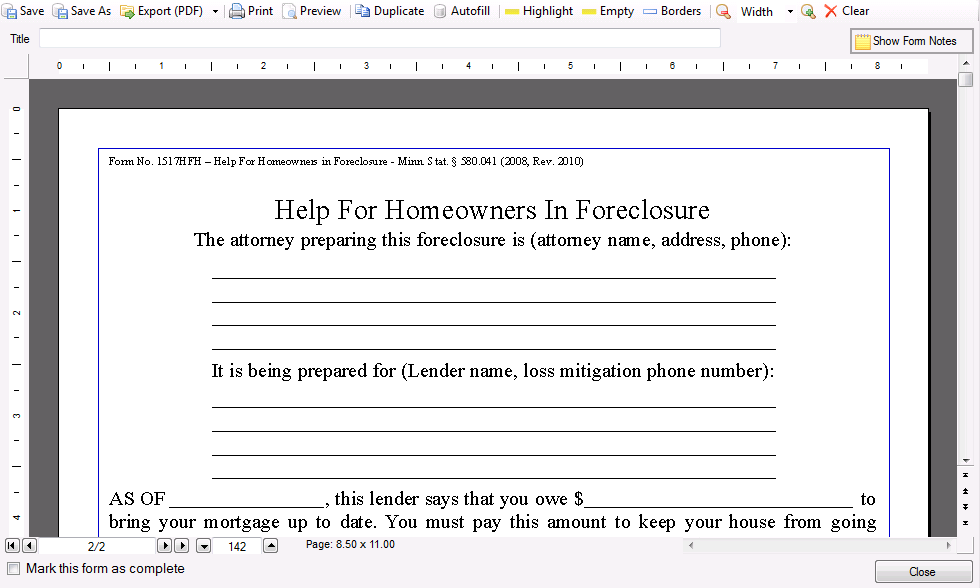
By clicking on the Show Form Notes button, the Document Notes will display along the bottom of the screen. In this case, the Document Notes indicate that the form is required to be printed on colored paper.
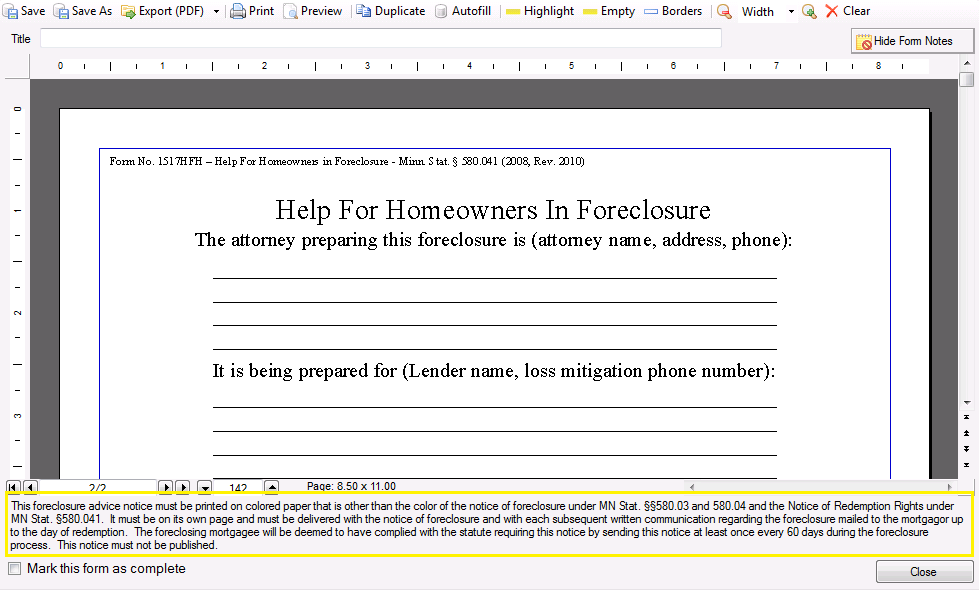
The application will remember the state of the Show Form Notes button and will retain it until it is changed by the user. The notes can be toggled off by clicking the button again when its text displays “Hide Form Notes”.