You must add a client the Client list, before you can assign Client Matter pages to that client.
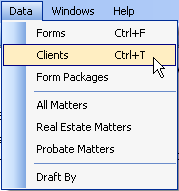
To add a client to the client list:
OR
Press Ctrl + T on the keyboard.
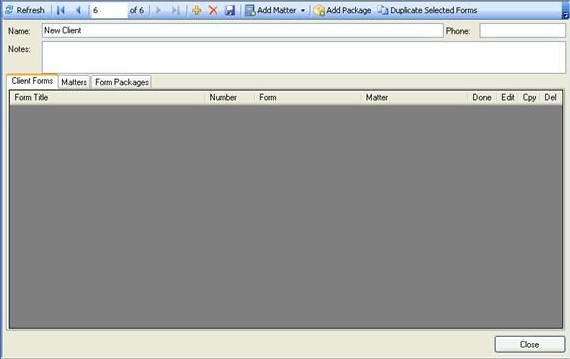
The client window opens.
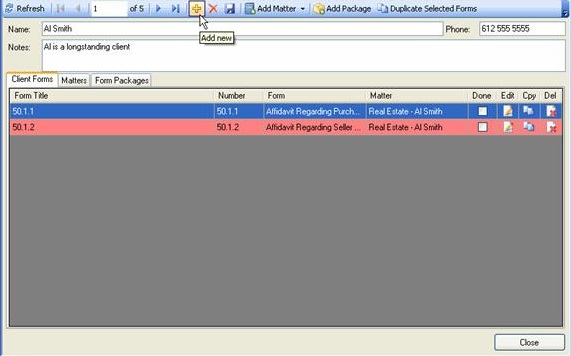
 on
the Client Toolbar to open a new Client page.
on
the Client Toolbar to open a new Client page.A New Client screen is displayed.